Custom Pages
Build the page you need for this shoot.
Put the keys, cards and single controls you use most on pages of your own. They sit in a Custom group at the top of the sidebar, above Operate.
- Edit layout unlocks a page. + Add item adds a key for any action, a card or tab from another page, or a single control: just the Freeze button, the test pattern row, the Record button or the timecode readout.
- Items snap to a grid. Drag one to move it and drag its corner to resize it; a card bigger than its space gets scroll bars. Done locks the page again, so nothing moves mid-take.
- A card is the page's own card, not a copy: it shows the same live state and does the same things.
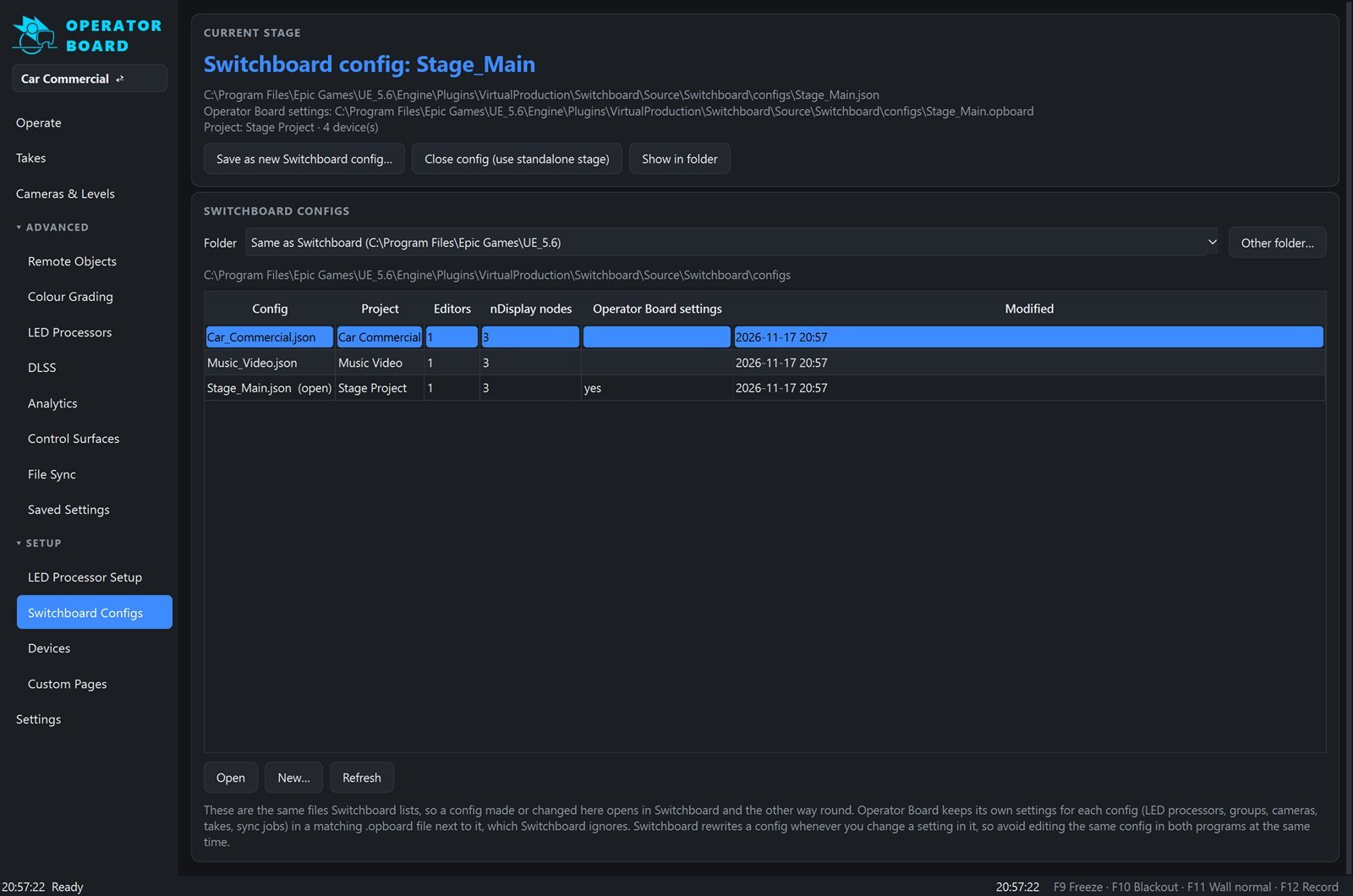
- The Custom Pages page (under Setup) makes, renames, reorders, duplicates and deletes pages, and imports and exports them. Project exports, templates and Saved Settings presets carry them, and a control surface key can open one.